An ultra-realistic result
See your outfit come to life in your photo with a detailed, lifelike preview generated in seconds.


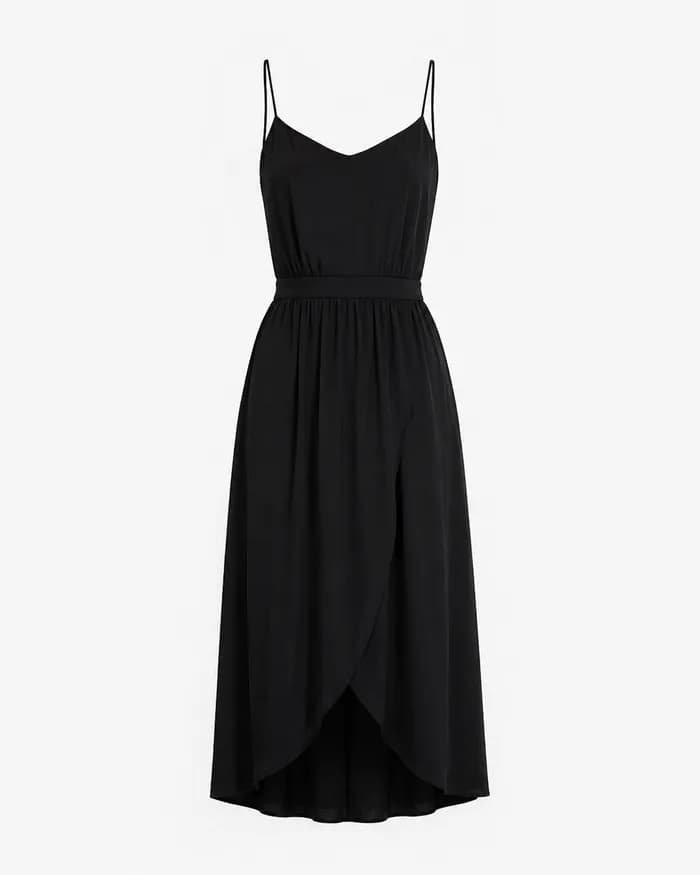

On an online store, right-click its photo and choose "Try on".
Upload a photo or select a model already saved in Lustro.
Lustro generates an outfit preview that you can download.
See your outfit come to life in your photo with a detailed, lifelike preview generated in seconds.
Combine multiple garments from different photos and preview them together in a single try-on.
Choose a try-on pack when you need one and use it at your own pace. A one-time payment, with no automatic renewal or time limit.
Start your try-on, then continue browsing while Lustro prepares the result.
Download Lustro and start your next try-on.
Get the Chrome extension